Signin
Welcome back!
Access your Collbot dashboard and manage all your chatbot apps effortlessly.
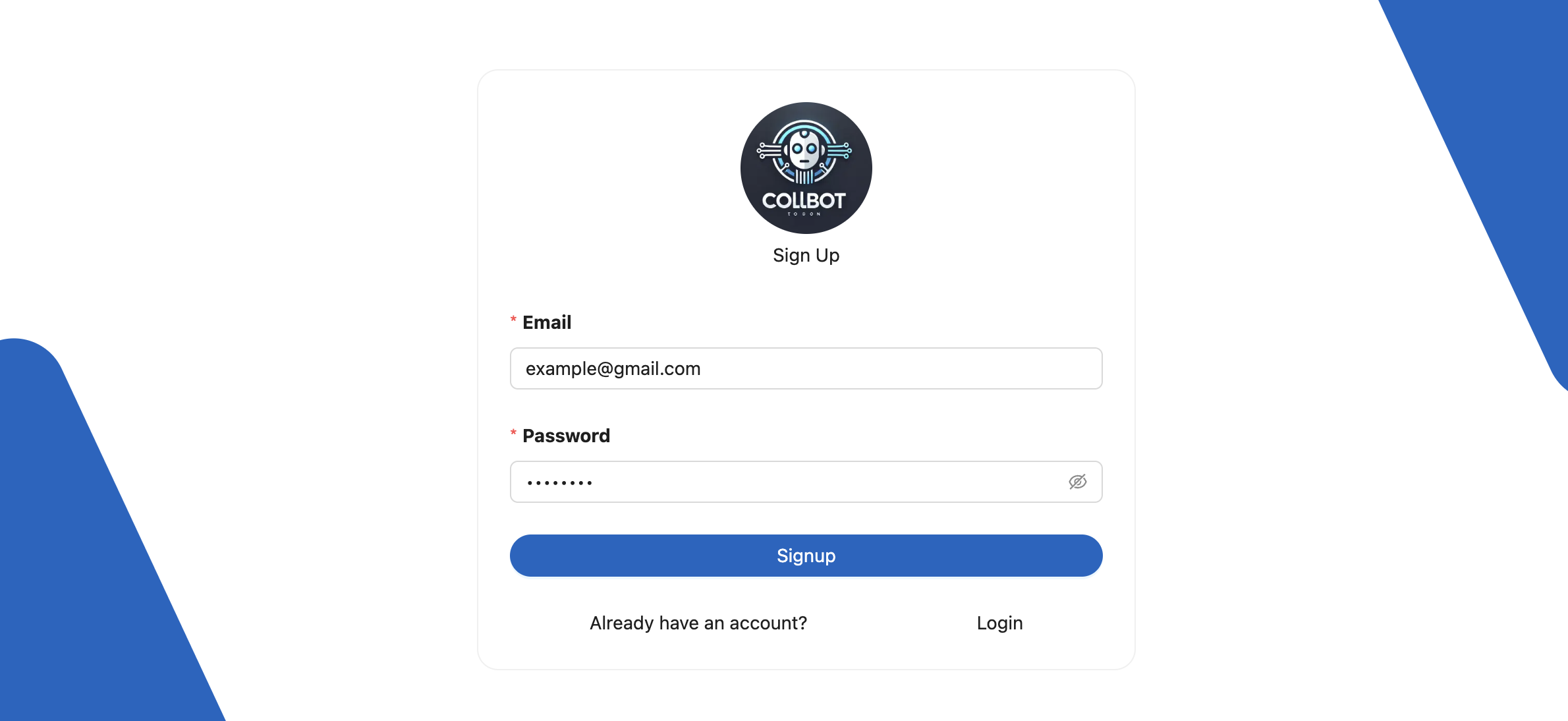
How to Sign In
Returning to your dashboard is simple and quick:
- Enter your Email Address: The email you used during signup.
- Type your Password: Enter the password you set up during your registration.
- Click “Sign In”: Once signed in, you’ll be redirected to your personalized dashboard.
🔐 Once logged in, you can view all your active projects, create new ones, and make real-time changes to your Collbot apps!
Ready to manage your chatbot apps like a pro? Sign in now and get started! 🚀
Forgot Password
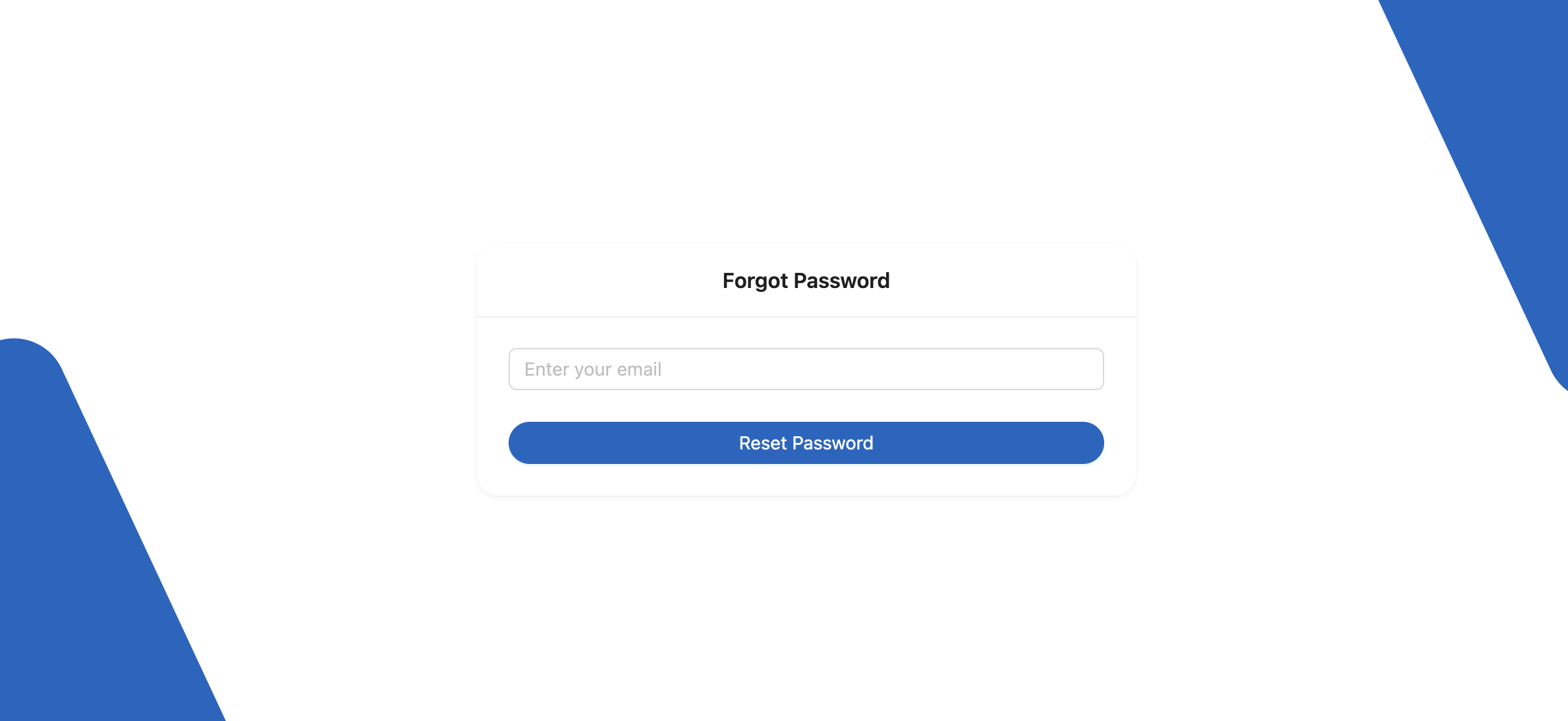
No worries, it happens! 🔒 If you’ve forgotten your password, resetting it is quick and easy.
Just click on the “Forgot Password?” link on the sign-in page, enter your registered email address, and we’ll send you a password reset link.
Follow the instructions in the email to securely create a new password and regain access to your account!
✨ Stay secure, stay connected with Collbot.
CollbotWidget
A ready-to-use chatbot widget that you can easily integrate into your website.
<CollbotWidget themeColor="#00BFA5" position="right" welcomeMessage="Hello there!" />